


Editor's review
This is a tool that can recover data from damaged drives. The data may be from MS Office applications such as Word, Excel, PowerPoint, Visio, MS Works or OpenOffice suite of applications.
Usually making a regular back up for your project file is a good idea. That way you can fix any drive corruption or similar disasters with ease. But we, forget to implement such process quite often. Without this protection if you were to delete some files, accidentally, they are lost totally. Particularly if the recycle bin also is cleaned then one can have a major problem. This tool, however, just might save the day. It is able to recover lost documents from Microsoft office packages such as Word, Excel, PowerPoint, Visio, Microsoft Works and OpenOffice. It is able to even find files that have been deleted and emptied from the recycle bin too. The tool does not need to access the FAT, or the file allocation table. Thus the software will be able to find files from drives that are corrupted or are formatted differently.
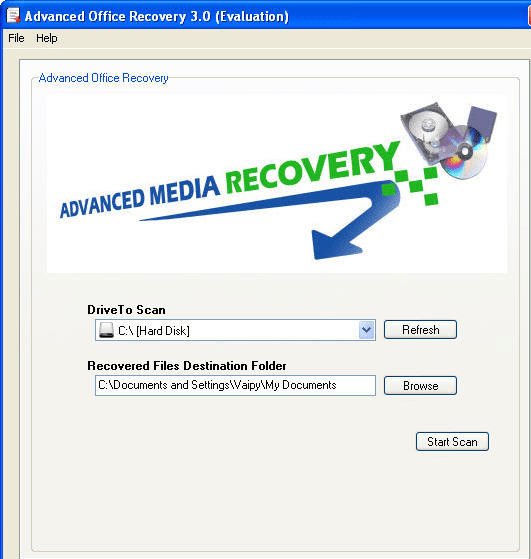
Because it stores recovered files on a separate drive, there`s never a possibility that originals will be affected. The simple interface just asks for which drive is to be scanned and what is the path to the recovered file. Thereafter it is a single click to start scan. Most such programs depend on the fact that data is not actually deleted on the drive but are marked as deleted. So the sections of the drive that were originally allocated to a file will contain the data but will be marked as deleted. Most often, if the sector(s) has not been re-written because the sector(s) was allocated to a different file the older data can be read back. Thus chances of recovery are high if attempted soon after the loss occurred.
User comments