


Editor's review
Want to make your pictures more beautiful with attractive frames? Image Frame is software that would help you to make your pictures really amazing. It has a plug-in option for your Photoshop that add-ons to the features of your program.
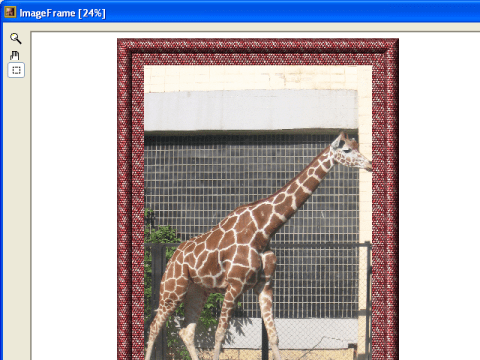
The software is compatible to Photoshop increasing the utility of the program and helps you keep your pictures in beautiful frames. After the easy downloading and installing of the software you need to launch the Photoshop. Open Filter go to Image Skill and click Image Frame. The screen of the software is decent and opens with a space with the middle screen for the pictures and frames. Then you need to select a factory preset and apply it. You can select the shape of the frame as you want it to be. You can make the beautiful frames fully according to your choice. You can add frame and text easily to the pictures. Select the size to be full, etc or choose another form for it. Set the dialogs options for ‘Edit Profile’, set illumination and also there are other options to choose. If you want a closer view of the work being done you can have the zoom view with the mouse wheel. You can easily pan the images larger in comparison to the windows with the Pan tool. Use the Marquee tool to select the image areas for generating a frame. You can edit the profile dialog and set the option for profile, apply the effects to selected area. Also there are effect options such as ornament, environment map, text, etc. The illumination can be set relating color, elevation, or it may be restored to default settings also. Have the picture made beautiful with your own style frames. The software being an add-in one is easy to work with while having beautiful results.
It has been given 3 rating point for the functioning and the features. It sure gives value for the little effort people take in learning it and comes handy whenever we wish to jazz up our pictures.
User comments