


Editor's review
Creates panoramic images easily, From the authors of Photo Pos Pro photo editor - Pos Panorama Pro allows you to create panoramic images from series of overlapping photos with just a few mouse clicks.
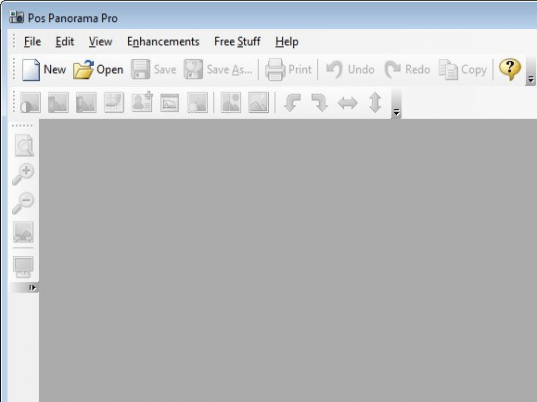
Pros: Pos Panorama is able to create panoramic images from a series of photographs that have some overlap. No special equipment is required at all. You specify a series of photographs that have overlaps and are in horizontal or vertical arrangement. The application is intelligent enough to detect the actual sequence of the photographs to be used. It can detect the optimal stitch points. It is easy to create the panoramic view from there on. Pos Panorama Pro has a very user-friendly interface and that makes the whole process very easy. Advanced users can control the panoramic image creation process at any stage. The output is produced as a single image. Formats handled are JPG, BMP, PNG, TIFF and GIF. The user can control many of the file format properties such as compression ratio, type, number of colors, etc. The program lets you edit this image for the finishing touches too. When the panoramic image is created you can edit, enhance, save or print it by using the built in image editor.
Cons: No particular problem noticed. However to get any meaningful panoramic view one should take a series of photographs that have overlap with the intention that these photos would be converted into this panoramic image.
Overall: Quite useful tool when you have photographed landmarks that come out better in a panoramic view. Even if taken with any kind of camera one can create a nice panoramic view easily. Nice set of feature and ease of use makes this a 4 star package easily.
User comments