


Editor's review
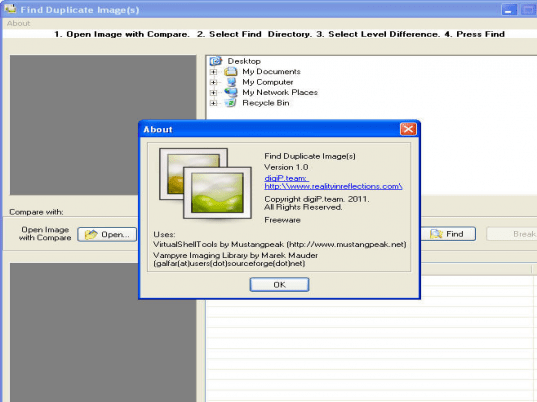
Find Duplicate Images is useful to find and delete duplicate image files on your local drive or network computer. This utility identifies duplicate files in one or more paths.
Features: Using Find Duplicate Pictures Pro wizard instructions you can find out duplicate image files easily. You need to select source folder from which you would like to find duplicate files, Application allows you to find duplicate on local hard drive, CD/DVD, network drive or any other removable data storage device. In next step specify whether you want to move or copy processed file at specified folder. Moving to the next step set directory where you want to stored your processed files. Application also allows you to set different storage folders for different type of files. In the next step application has various options to select how you would like to organize your photos while processing. Click on finish button to complete wizard. After processing, result is displayed on the screen. Application has an option to set rules for different operations like moving rules, renaming rules, deleting rules, archive, visual appearance etc. Wizard for music and photo organizing is also supported by application.
Application also organizes audio files. All audio records will be sorted by genre, artist, and album name, so you will be able easily navigate among them and find audio record, that you need, in seconds.
Overall: It’s a useful tool to find duplicate on your computer. It also supports networks and removable media devices like external hard disk, flash drives, etc.
User comments