


Editor's review
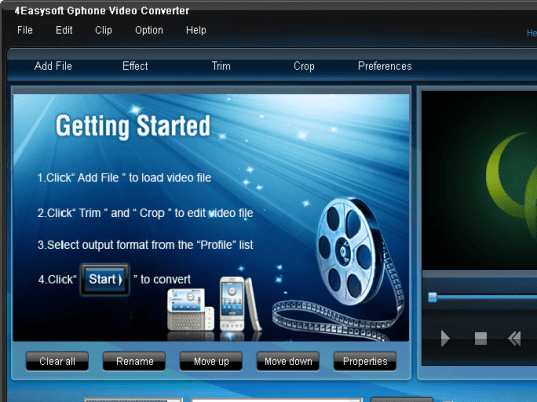
Everyone loves the occasional movie on the go as they rush through the hustle and bustle of life. It eases the pressure of a person when he can simply pull out his phone from his pocket and enjoy a thriller, action, comedy among other genres of movies while he waits to reach his destination. 4Easysoft Gphone Video Converter 3.1.22 allows the user to convert various audio and visual mainstream formats to incorporate them into various gadgets using different formats such as 3GP, MPEG4 and the likes. The converter allows a world of customization options to the user so that he can enjoy the converted files without the hassle of losing out on quality of the finished product.
Many distinct features incorporated within the software set it a class apart from the rest. 4Easysoft Gphone Video Converter lets you seamlessly convert a single file into various formats during a single process which saves time. Snapshots can be taken in order to create movie screenshots for use later on. The editing features are perhaps the best as it empowers the user with a variety of different options and features. Video effecting, deinterlacing, cropping etc. make it easier to make the perfect converted video for playback. The option of video joining allows two videos to integrate and create a quality single file video. You have the option to optimize your final video with video encoder resolution, video framerate and bitrate. The added feature of adding a watermark along with text and images gives you the ability to endow the file with its own exclusive look and identity. There is also the function that allows audio tracks and subtitles to be picked and sorted according to the user’s wish.
4Easysoft Gphone Video Converter is wonderful software that makes life easier to live and bestows upon the user hours of video watching fun. It gains a score of 3.5 out of 5 for bringing the feeling of a theater to our phones and gadgets.
User comments