


Editor's review
This is a ringtone maker and converter for iPhones.
4Easysoft iPhone Ringtone Converter makes it easy for creating as well as converting iPhone ringtones. You are able to convert from video or audio clips. iPhone Ringtone Converter supports formats like MP4, H.264/AVC, AVI, MPEG, WMV, DivX, MKV, RM, MOV, MP3, WMA, WAV, AC3, OGG, RA, M4A, AAC and so on. M4R is the format that is required for use as a ringtone on the iPhone. The audio that can be extracted from video clips should be in one of the formats mentioned earlier. You can pick a particular piece of the audio or video clip very simply through the interface. You can specify the exact start time and the end time of the ringtone too. You are able to use videos available through DVDs such as MTV albums, concert recordings, regular movies and so on to get really unique ringtones for your phone.
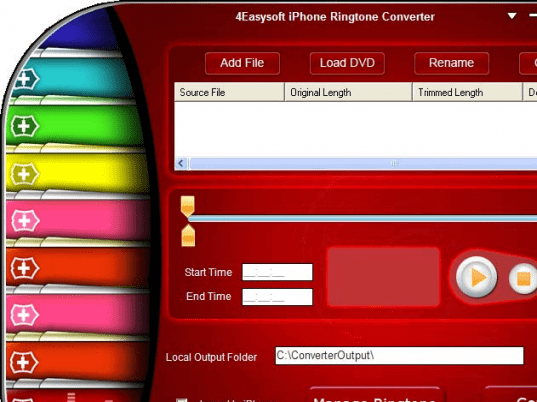
That is a whole lot of video sources that you can use for truly individualistic ringtones. But then the question is, if you need to understand that alphabet soup about video or audio formats and how easy it is to create a ringtone. You do not need to worry about the formats. The interface is fairly simple to use alright. The color scheme could have been easy on the eyes though. You create a batch list easily and define destination files. Then manage the ringtone files through this tool and download to the phone of course. Organizing the tones inside the phone, rename it or remove them are the functions you could easily use. The bars shown on the interface to show progress of conversion is a little overdone!
User comments