


Editor's review
A feature-rich program for MS Windows to fast and easily batch convert AutoCAD DWG/DXF/DWF drawings into various image file formats.
Features: A MS Windows program that is feature-rich. It can easily batch convert AutoCAD DWG/DXF/DWF drawings into various image file formats. Image formats supported include BMP, JPG (JPEG), GIF, PNG, TIF (TIFF) etc. Full range of AutoCAD formats is supported. The versions such as R2.5/2.6, R9, R10, R12, R13, R14, R2000/2002, R2004/ 2005/ 2006/ 2007/ 2008/ 2009 are supported. The batch conversion process does not need the AutoCAD. AutoCAD model and paper spaces are supported. Conversion of one file per layout/ drawing is supported. Detailed output settings are possible. The conversion is done and no distortions are introduced.
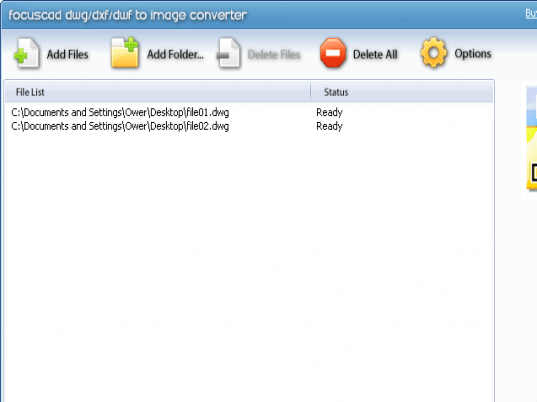
Customized settings to adjust the output file size, resolution, color etc. When converting you can choose individual files or create a list of files. The interface buttons make creating a batch list easy. Drag & drop feature facilitates convenient operation. The interface is clean and is easy to use. Even beginners should be able to get productive quite easily. You have a set of options for images and color. You can choose the background colors. Output sizes are selectable. SHX directories can be chosen. Line width, pen width and output layout are other things are selectable too.
Overall: Quite often when working with collaborators and vendors you need to share drawings. Since they may not need to modify the drawings they would not have invested in a CAD system.

really easy to use even for beginner like me does what you want! Really a perfect software.
The Ease of Use got me - i dont use anything else.
This program is incredible fast, it does a good job and its simple to use. The best thing is that it can convert dvd with a great result!
Easy to use, does what it should. Well supported when there is any unclarity.
I didn`t expect much with this program. That`s why it surprisme a lot how remarcably accurate and easy to use is this
convertes.