


Editor's review
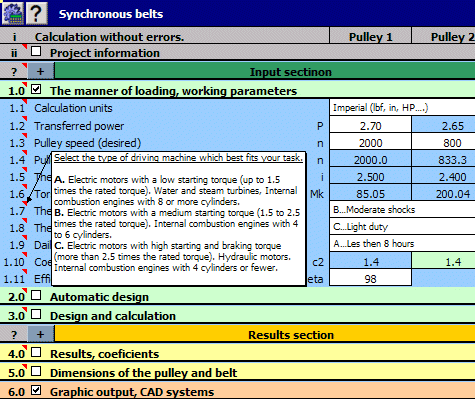
This multi-language calculation package includes solutions for gearing, belt, chain, springs, beam, shaft, and many others. MITCalc supports 2D and 3D CAD systems, Imperial and Metric units and many international standards (ANSI, ISO, DIN etc.).
Pros: MITCalc is a multi-language application that can manage a set of mechanical, industrial and technical calculations quite easily. It guides users through design calculations and verifications of components. Many common engineering areas are covered. These include spur and bevel gear, belt and chain gear, bearings, beam, buckling, shaft, springs, bolt connection, shaft connection, tolerance analysis, tolerances and many others. There are also many material, comparison, and decision tables, included in the application. The calculations support both Imperial and Metric units and are processed according to ANSI, ISO, DIN, BS, CSN and Japanese standards.
The application allows interaction with many popular CAD systems that allows relevant drawings to be developed in 2D. Insertion of 3D components also is facilitated. Interaction with CAD systems AutoCAD, AutoCAD LT, IntelliCAD, Ashlar Graphite, TurboCAD and Autodesk Inventor are supported. Most of the calculations allow direct output to major 2D CAD systems. Just choose your CAD system in the calculation and select the desired view (a projection type). A drawing is then saved directly in the CAD system with the correct scale and system of layers. For 3D systems these are installed in the form of individually installed plug-ins containing relevant parametric models. An assembly may consist of not only individual components but also subassemblies. You can insert one complete solution of a belt gear at once for example, and the dimensions of the inserted sub-assembly will change automatically in case you make changes to the calculation parameters later. The application is built on MS Excel and allows easy modifications by users and extensions to be implemented.
Cons: This is not for real novices, you must understand the engineering implications to be able to use it effectively.
Overall this is neat engineering tool that should be useful to designers using CAD. Definitely a 4 star item.
User comments