


Editor's review
While working over a web gallery creation project, you may require converting images from one format to another and resizing them to fit the album layout. But, processing large number of images becomes too much of time consuming and at times even monotonous. However, you can avoid such monotony any further and get your entire image processed in one go. This can expertly be done with the help of Photo Batch Converter&Resizer 1.5 application. It’s a great utility that facilitates you in converting your images’ format and resize them as per your requirement. The application supports you with batch processing function that makes easier for you to process your large number of images altogether. In addition, it also allows renaming, rotating, and scaling your images to give them a suitable view, and integrates with the context menu of your Windows Explorer making it instantly accessible.
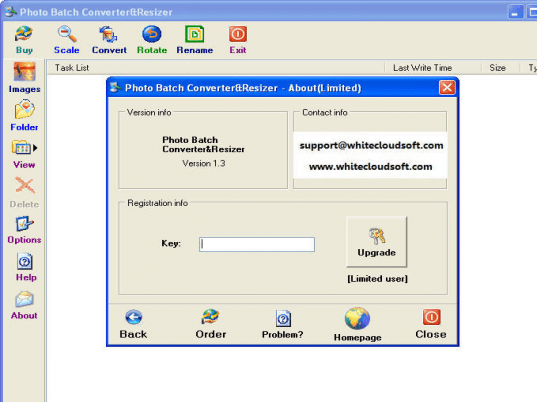
Photo Batch Converter&Resizer 1.5 allows adding individual image or an images folder for further processing. The entire images get listed over the main screen, and you can easily switch their view to thumbnail, list, and report. Now, you can begin to scale, rotate, convert, or rename images as needed. If you’re willing to scale your images, then you’d require setting Result folder and image size from provided options. Further, if you’re willing to convert your images you can choose from different outputs that are jpg, bmp, png, tif, wmf, emf, gif, and pcx. Along with these, you’re given ‘Rotate’ option where you’ve to select Flip, Mirror, or rotation towards left or right, whereas the ‘Rename’ feature gives you the access to download a batch file renaming tool. After selecting desired process and its relevant features, you’ve to click ‘OK’ and the program would proceed with processing the chosen images.
With the Photo Batch Converter&Resizer you can efficiently rotate, rename, scale, and convert your images within no little time. Owing to the impressive set of options and reliable functionality, the program is rated with 3.5 points.
User comments