


Editor's review
In order to advertise or create presentations, we need to create various designs, craft patterns, etc, generally in small-sized samples. But, to convert them into posters, banners, or use them for any other such purpose, you need to resize them as per the requirements. This may be troublesome, as the printing task requires large-sized drawings, patterns, etc. Well, this can largely be resolved with the help of Rapid Resizer 2.6.1 application. The utility supports resizing your designs, patterns, or drawing into required dimensions. The application includes easy operating procedures and you just need to load the images into the program and enter the necessary height and width. The tool proves to be a competent one for creating posters or large banners from small drawing or patterns.
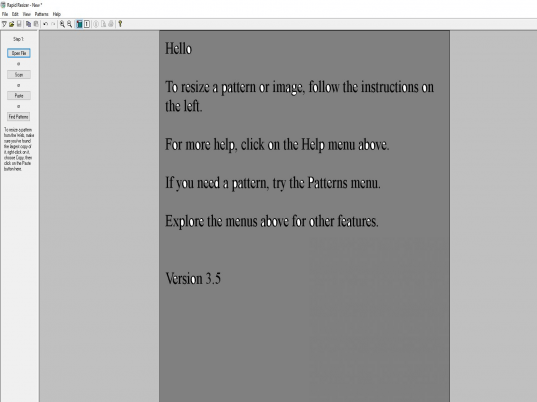
Rapid Resizer 2.6.1 requires the users to follow the systematic process of resizing the images. With the first step you can open, scan or paste the files into the program that is displayed at the mid screen. Then the process comes to second step to straighten the pattern by selecting an angle, and using the ‘Turn’ button to rotate it into the desired direction for a suitable view. You can even form a mirror image of the selected file and also flip it, if required. Move on to the ‘Next’ step that prompts the users to tightly crop the selected drawing file, and click on ‘Next’. The fourth step is Black & White, which is to leave the pattern in black & white for the coloring and the line thinning to work. Finally you need to select the width and height, enable the lock proportion to get a suitable combination of height and width sizes, and even select the line width. ‘Preview’ the drawing and then finally get it printed.
Rapid Resizer 2.6.1 is a proficient application that supports resizing the patterns, designs, or drawings proportionately to the required extent. Rated with 3 points, the application consists of easy to follow sequential process and operative configurations for effectively performing the resizing task.
User comments