


Editor's review
When you face any problem on your computer or explain anything to others then just verbal communication may be not much effective. If you take screen capture or create video file and share with your friends, colleagues, client, vendor then you can properly communicate easily and quickly. Screen Vidshot program helps you to capture video or image easily and save in the popular formats.
Features: Most of the times you want to communicate problems or solution to your counterpart. Using Screen Vidshot program you can take images or video and share with others making it easy to explain the problem or a solution.
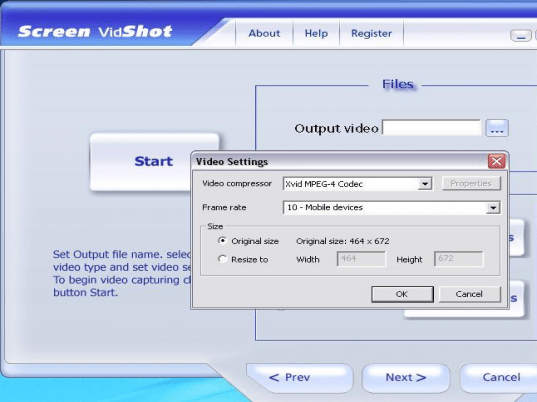
The application has an instruction wizard, you need to follow simple steps to create a screen shot or video shot. You can capture the video or image with three supported ways like window, region and desktop. Select window for window view, define region for region view and for desktop application considers the entire desktop. The application allows you to select the mode like video, audio and image series. Video mode captures all movement performed on your computer to video movie. Image captures single screenshot, when you press hotkey, it capture and save a snapshot of your screen to image file. With Image series option you can create a series of screenshots. To capture video, select video type such as AVI, ASF or DVD. Set video settings and audio settings and then click on start button to start video recording. Press F9 function key to stop recording. Open the recorded file and see that all the events are nicely recorded in the file.
Overall: This is very good software to take screen shot or video from your computer and save it in popular formats.
User comments