


Editor's review
Computer games are loved by all of us whether adults or children as leisure time activity or a constant companion in times of boredom and cynicism. Games belonging to different genres are created catering to diverse tastes and sectors and loaded onto CDs and CD-ROM for people to import them into their computer systems and laptops. However, sometimes, the game slows the system performance due to the heavy load and further poses the possibility of malfunction. VirtualDrive Pro 11 is a unique program that copies the game CD or unprotected DVD as a compressed image or virtual disc that can be played in any of the virtual drives created by the software.
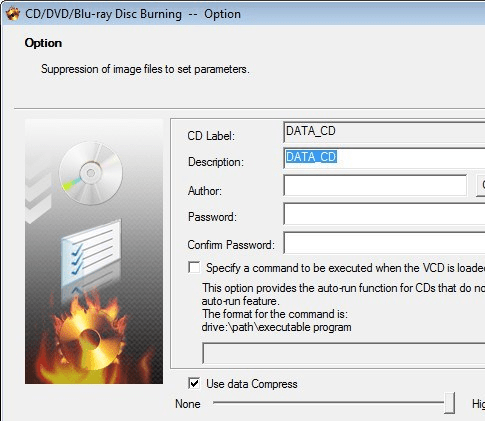
VirtualDrive Pro opens with a light hued interface with intuitively placed options at the top panel and on the left are displayed the categories of the CD’s and the contents copied to the virtual drives. The software can copy content to any one of twenty three drives created by it and can even be shared or transported to another laptop computer or even a USB device or any other specified media. The access speed is nearly 200 times that of other CD Rom counterparts and the user friendly working of the software enables the user to create customized virtual CDs containing any kind of data like musical tracks, documentation and other programs and manage them in a library with a search engine. Moreover, the user can run multiple virtual discs at one time and save time in the process.
VirtualDrive Pro certainly proves to be one of kind program that helps in creation of virtual discs without impacting the PC performance and gets a rating score of four points owing to its utility value and security features for the PC and the game CD or DVD.
User comments