


Editor's review
PPT to Pocket PC Converter is a nice application to convert your PowerPoint file to popular video format which can be opened in any video device or application. Application supports various features to create quality of video file for your presentation.
Features: The application has attractive user interface. All the features are nicely designed considering the need of user. You need to follow simple steps to completed conversion from PowerPoint to video format of your choice such as Pocket PC, MP4, FLV, 3GP, MOV, MPEG, WMV, VOB, MP3, AAC, M4A, etc.
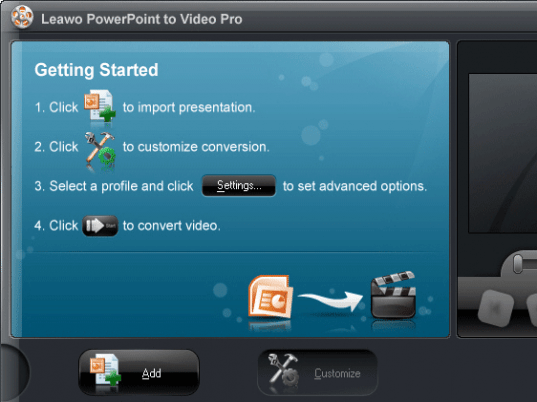
In the first step open PowerPoint file which you would like to convert to video format. Application supports customization of your output by performing various settings like timing, music, audio etc. You can set default transition time between the slides. Set background music for your presentation as per your choice. You can select background music from media, audio and video files. You can check/uncheck option as ignore the audio in PowerPoint file. In the next step select output file from the widely supported video formats, you can also perform advance audio and video settings. Application allows you to save the advanced setting profile for future use. Set the output file location where you would like to save converted file. Click on Start button to start conversion process. After conversion, converted files are stored at the defined location. After conversion you can see the all the settings are properties are retained as it is.
Overall: This is a very good utility to convert your PowerPoint presentation to video format easily and quickly.
User comments