


Editor's review
ImTOO Audio Encoder is a professional audio conversion tool in converting among various audio files like MP3, WAV, WMA, MP4, M4A, AAC, MP2, OGG, APE, AAC and VQF etc. It can extract audio from AVI, MPEG, ASF, WMV etc. and convert them to MP3 or WAV.
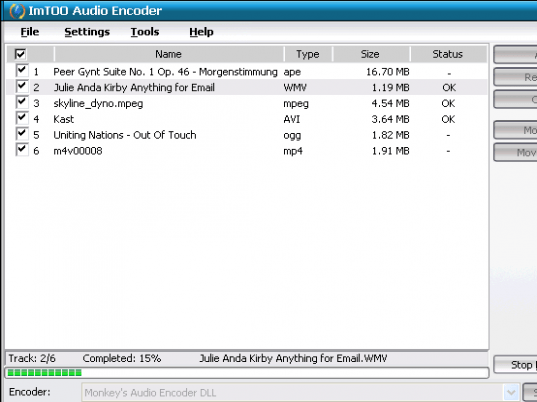
Pros: ImTOO Audio Encoder lets you convert audio files from one format to another. These include MP3, WAV, WMA, MP4, M4A, AAC, MP2, OGG, APE, AAC and VQF etc. It extracts audio from videos in AVI, MPEG, ASF, WMV etc. All the encoders are built-in so that you do not need to download anything more separately. You pick a input file and choose a output file path, decide the format and then conversion can start with a single click. You can decide if the input file should be deleted or not. All properties and settings are visible on the interface. Conversions are completed with a few clicks. The process is really quick as the program is multi-threading and given a batch of files the process gets optimized.
ID3 tag data are preserved when conversion happens so that useful metadata can be used with the converted format also. The MP4 to MP3 converter offers selectable Bit Rate tool and sound modes like Stereo, Join Stereo, Forced Stereo, Mono, etc. You can select encoding with VBR or CBR in the audio converter. .DRM protected files, bought from iTunes or other sources, cannot be converted.
Cons: When so many formats are handled, there`s always a possibility of problems in some combinations. Best bet then is to check out the software in the format combinations you are likely to use.
Overall: This handles the conversions well and is easy to use. This is good for a 4 star rating.
User comments