


Editor's review
This is a screen capture software that creates a video out of the captured screens.
WM Capture uses a frequent screen capture to create a video of the screen. Playable as a Windows Media Video file it is like video filming of the screen. This video can be of any web site, game, movie or whatever you are viewing on your machine. A question could easily be asked, if this is a means of circumventing DRM (digital rights management) or copy protection. The publisher clarifies that since it does not break any of these protections, the software use is legal for personal use. Unless you have the license to play the original material it will not play on your monitor and then you cannot copy things either. Making a copy for the material that you are able to play is OK.
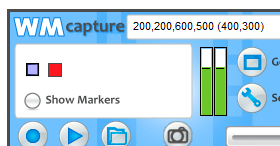
The program includes a MPEG2 codec to ensure that the captured screens give you a good quality video. The interface is really very simple. You can choose the exact area of the screen you want to capture. Then there are settings that let you set up the audio and video parameters. It is good if you understand the implications. But it is not necessary; a lot of things are decided by the program itself. WM Capture will make its best guess of audio settings and use that. You can test and make sure this is right before starting the recording. There are also a set of presets which can be selected. When capturing the screen you can also specify if you have a dual core processor on your machine. The recorded files will play on the Window media player.
User comments