


Editor's review
Once upon a time only applications could have their own icons; files of the same type shared one assigned icon and all the folders but the system ones were of the immensely boring yellow kind. With Folder Style that gloomy era is over and you can now assign different icons to any folders on your Windows system.
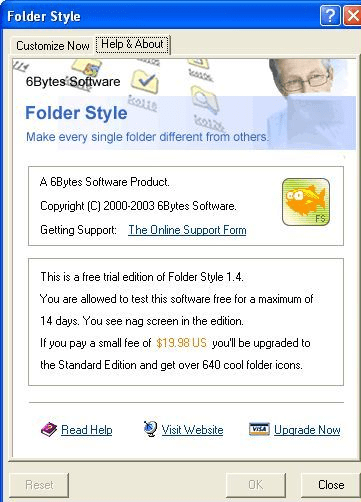
Folder Style is a small shell enhancement tool that is very easy to use. All you have to do is pick a to-be-enhanced folder and then pick an icon for it from a gallery of more than three hundred default icons or your own source of icons. Another way to run the program is from the right mouse button menu on the folder of your choice. The gallery of icons contains hundreds of icons, both Windows and MacOS style (the latter is particularly attractive after years of the boring yellow stuff Windows folder icons are made of).
Try this utility today and bring some colour to your folders, making your Windows user interface more usable and different from others.
Folder Style is a small shell enhancement tool that is very easy to use. All you have to do is pick a to-be-enhanced folder and then pick an icon for it from a gallery of more than three hundred default icons or your own source of icons. Another way to run the program is from the right mouse button menu on the folder of your choice. The gallery of icons contains hundreds of icons, both Windows and MacOS style (the latter is particularly attractive after years of the boring yellow stuff Windows folder icons are made of).
Try this utility today and bring some colour to your folders, making your Windows user interface more usable and different from others.
User comments