


Editor's review
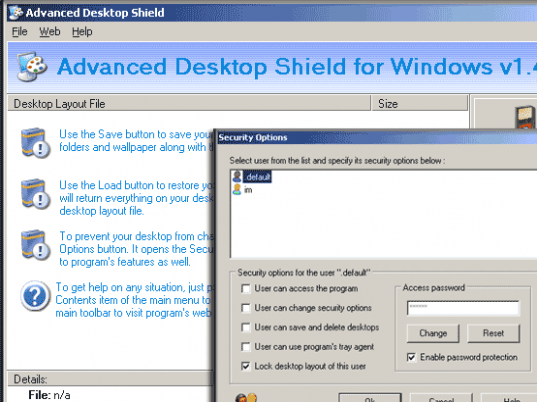
Advanced Desktop Shield - protect public access PCs, stop users from changing desktop wallpaper and screen saver, deleting, creating and renaming desktop icons, changing display settings and so on. Backup, restore and manage desktop layouts.
Features: Advanced Desktop Shield is security utility that prevents users from changing the desktop in any way. It prevents users from changing the wallpaper, screensaver etc. It would also prevent users from deleting, creating or renaming any of the icons on the desktop too. Changing of display settings also need to be prevented. This kind of functionality is essential to public access machines such as in school/college labs, internet cafes and such public places. The alternative is chaos of course. With the Advanced Desktop Shield you are able to save the desktop layouts on the user machines, restore these layouts as required and manage the whole process.
If the layouts are to be locked on machines, the program will simply restore the desktop from the saved files that include the wall paper, screen saver, the active icons and other files and folder whenever the user chooses to re-boot. Anything new created will get deleted so that the desktop get back to the original state. You can create layouts for specific profiles such as work machine, gaming, internet surfing and so on. Setting up is easy. Place the icons needed for a specific layout in their positions. Select the wall paper and the screensaver via the display settings. The utility should be running in your system tray. Double click on the same and click the save button. If you want to change something like the screen resolution simply activate the program and click the Load button. Once the layout has been locked you can simply reboot to get back the original layout.
Overall: It makes managing the desktops with public places quite easy. Otherwise the look & feel of such machines can deteriorate quite quickly.
User comments