


Editor's review
Our systems have turned to our personal warehouse in which we often keep our crucial data related to our lives. Thus, any sort of data loss can prove to be really exasperating for us. Accidental deletion of files can further add to our annoyance, as it leads to an extensive data loss. In such a situation you can get your data restored easily if you have created a backup of it. Creating a backup of your files and folders proves to be a better solution then using file recovery processes, as you need not wait for long time and immediately can restore the required data. To create backup of your files and folders efficiently, you can try Keriver Image 3.0. It helps you in data safeguarding by cloning the entire data of your hard disk or partition. The program saves the data in the form of an image, which can be restored anytime.
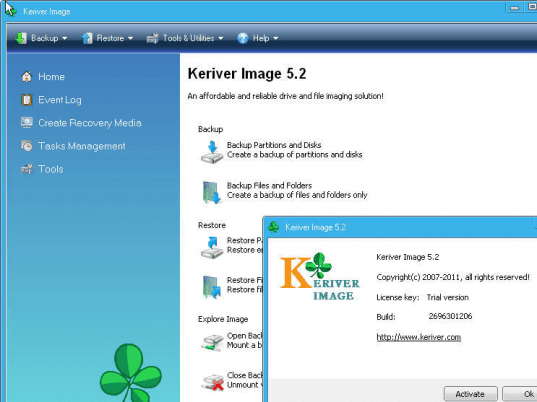
Keriver Image 3.0 application consists of easy to use features and intuitive interface. The welcome screen of the program shows five options; ‘Backup’, ‘Explore’, ‘Unplug’, ‘About’ and ‘Exit’. To create backup of the drive, or any file or folder you need to select the ‘Backup’ option from the start up screen and the program takes you through a sequential process. It analyzes all disks and displays them on the screen with the related information on the left side. Mark the drives to create backup, and then you need to select the target directory to store the backup data. Moving further to next step you need to select the ‘Compression Level’ and ‘Image File Size’. You can even enter some comments related to the created backup, if required. The program provides a backup summary, and starts the backup creation process, showing the completion level with the progress bars. You can hide the program to the system tray and it would perform the process in background while you can do any other work. With the ‘Explore’ option you can easily restore the data to any desired location or form it into a new drive. If you formed a new drive, you can explore and ‘Unplug’ the virtual drive when work is finished.
Keriver Image 3.0 is a capable application for creating backup of your data, or full drive to restore the information whenever required. The program is rated with 3.5 points, for the easy backup creation and restoring process, supported by easily negotiable features.
User comments