


Editor's review
Use MultiClipBoard to copy and paste pictures, formatted text and other text very easily. This software will hold unlimited amount of text, therefore it is easy to copy and paste on any windows application.
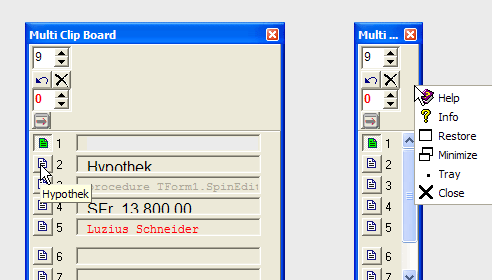
Most of the time when you shut down the computer or close the program that you are working on, all the existing information is lost from the clipboard. But, with this software this is not true; it can easily retain the information on the clipboard, even after shutdown. The contents will be saved when closing this software and restored while reopening. This software also gives you the option of undo and a clear feature, which exists for each and every clipboard. Each clipboard is represented in the form of buttons, which also display a hint. Also, there are many shortcuts available for these buttons.
Depending on your convenience, MultiClipBoard can also be stored in the system tray. With this software, your copy and paste button will lose its relevance.
User comments