


Editor's review
Have you lost some files and data because of some virus, formatting of the drive or you deleted them by mistake? SoftAmbulance Partition Doctor software does the work of recovering such files efficiently.
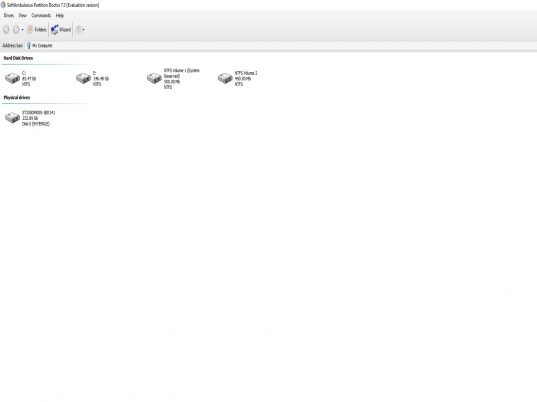
SoftAmbulance Partition Doctor recovers damaged or lost files easily without giving any difficulty. Even you need not to face any trouble while downloading or installing the software. The opening screen of the software appears with a wizard to perform the task without wasting much time. It scans the disk areas and opens the wizard and to start the work you just need to click ‘Next’. Then it shows the found disks on your system and you just need to choose the disk to recover the files from. You can also select the map virtual partition and also set an image file to mount. Click ‘Next’ and select the file system which you need to recover. Then go to the next step and the recovering of the files starts. It shows the progress and the count of files and folders found, you can cancel the process any time if required. Click to finish the task and the recovered folder and files are shown at the program screen. The program screen is just like the normal windows in your system. The recovered file’s folders are shown on the screen. The left side options are there for viewing the unknown files and folder properties, etc. Select the file you want recover and click on the recover option on the left side or on the menu bar. You can search for the file you want to find. You can perform the work of recovering files from any of the disk on your computer. The help file is there for guiding you if you need more information.
The software is given 3 rating point for its effective and efficient functioning. It recovers files separately so that your system stays safe if the files were lost because of virus, etc. So, in one line it is an effective vehicle (ambulance) which facilitates the termination of virus related losses of your files etc.
User comments