


Editor's review
Due to its wholesome features and quick browsing, many of us prefer using Mozilla Firefox as our default internet browser. Further with its capability to store username and passwords, it supports users to get rid of the monotonous task of entering such information whenever you want to login. But the users taking the advantage of this feature might face difficulty after some time, as they might forget their username or password. If you’re also going through such situation and trying to find an apt solution, then try out new LastBit FireFox Password Recovery 1.0. The application is facilitates users in recovering the lost Mozilla FireFox Master Password along with the saved users login passwords. The application supports different password recovery methods; Dictionary Attack and Brute Force Attack.
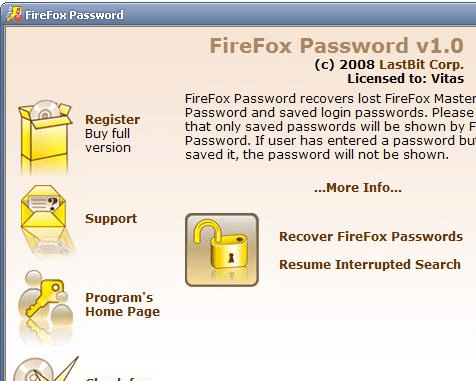
The LastBit FireFox Password Recovery 1.0 on launch displays an attractive graphical user interface bundled with user-friendly features. It takes you through easy steps for recovering the username and password info. The first step you need to select ‘Recover Firefox Passwords’ option, which takes you to the next step. For beginning recovery process, first you require browsing and specifying the ‘FireFox Installation Folder’ along with the ‘FireFox profile folder’. You can even specify the profile root folder or data folder, if you wish to recover a particular user’s profile. The next step deals with finding the Master Password. In this step you can enter Master Password if you know it, or else set the program to recover it first. With the ‘Password Calculator’ you can estimate the time for master password recovery. When the master password is recovered, the application quickly displays the entire login information saved by FireFox. The program presents the URL, username, and password info.
The LastBit FireFox Password Recovery 1.0 easily performs the FireFox password recovery task and can recover nearly every other password. Viewing the user-friendly options, optimized performance, and the capability to recover password of various saved profiles, the software justifiably is given 3.5 rating points.
User comments