


Editor's review
PST Password Recovery utility is useful for the users who have created multiple email accounts on MS outlook express and office outlook mail servers.
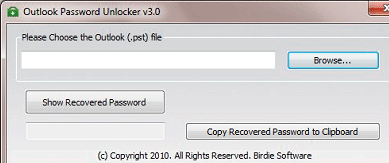
Features: Most of us usually have various email accounts and we integrate these email accounts with our outlook account. With the passage of time we forget password, then we are in a difficult situation to access our emails. No need to worry, PST Password Recovery utility assists you in recovering the password of the MS Outlook email accounts and PST files, along with the email server settings. The program’s compatible with all the versions of Microsoft Outlook. Password recover procedure is very simple. On the left hand side of main application screen, select main identity. You can recover the identities Name such as gmail account, hotmail account by mouse click on identities on the left panel. Click on your email account, on right hand side you can see three tabs General, Server and advance. General Tab displays user information, Server tab displays server information, incoming mail server, outgoing mail server and In advance tab you can see server port number and other settings. In the Incoming mail you can see account name and recovered password. If you have marked “remember password” checkbox in MS Outlook e-mail. You can recover your password easily. Select Microsoft outlook from left side panel. Go to MS Outlook account setting and drag lens provided by utility over to star “*****” edit box and now you can see magic that you can see password letters instead of “****”. You can save this information in .txt file. All the information related to email account is stored in the saved txt file.
Overall: This is a convenient tool for users to recover forgotten password of outlook email accounts and PST files.
User comments